
An overview and benefits of new features coming in the JLR Way
Presenter - Jon Hay
There has been a burst of new changes and features throughout the JLR Way portal
Pre-approval consultation has been taken beyond simply asking individuals to review a document.
Engagement and collaboration is are the forefront of the new consultation ideology
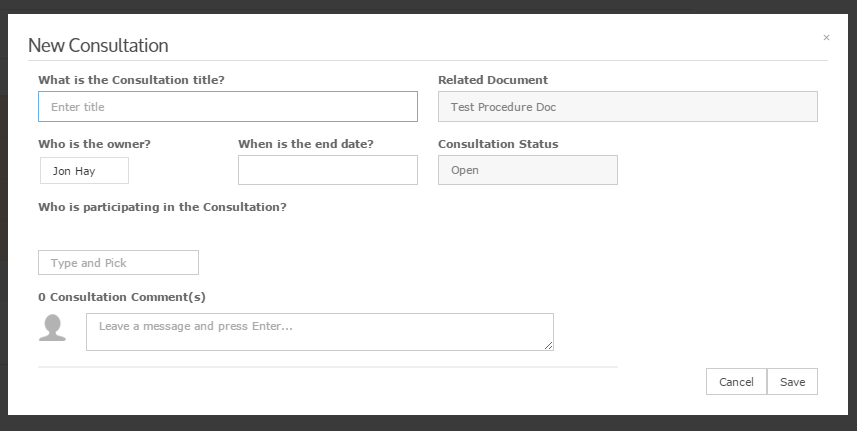
A new consultation can be started from the button previously used to request a review
All Process, Procedure and Policy documents must go through a consultation before they can be sent for approval
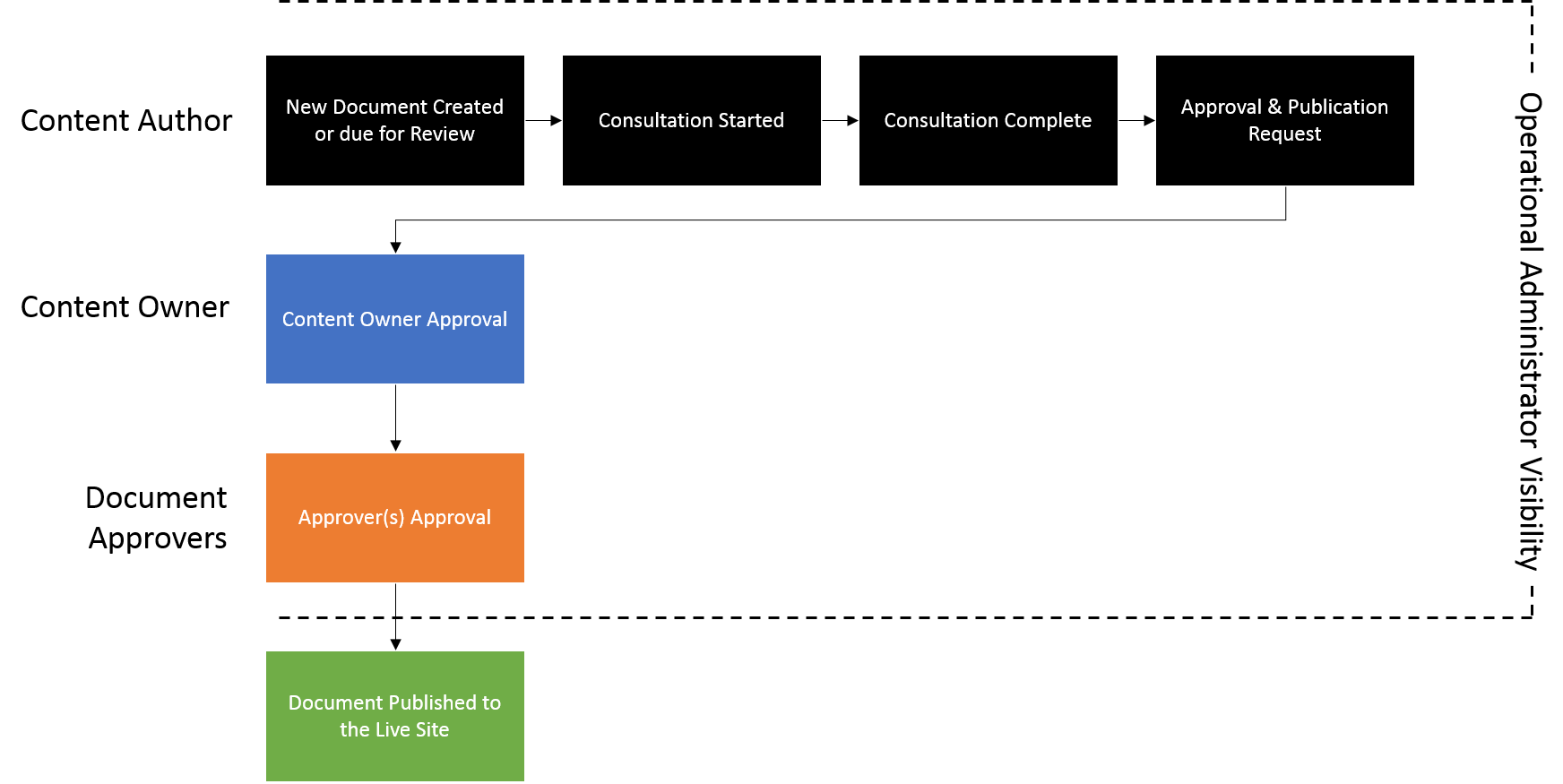
Gateway approval responsibility has been shifted to the responsibility of the content owner rather than the Operational Administrator
Operation Administrator's are now included in all consultations started against their function by default
Operation Administrator's still have full visibility of the document throughout it's lifecycle
Content authors can now get suggestions for who should be approving their document
Additional approvers can be added to the database by content authors
Approver suggestions can be accessed via a new button located next to the Approvers field
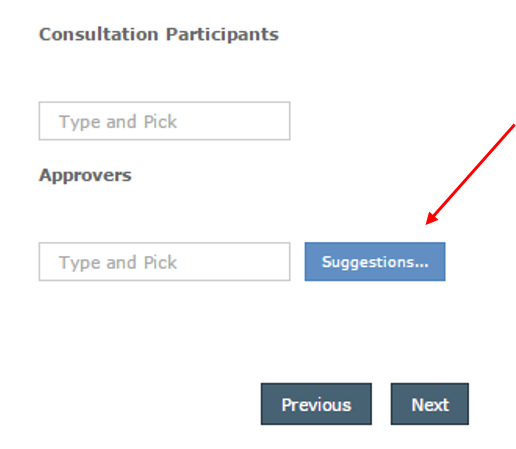
From here you can get suggestions based on the selected Owning Function
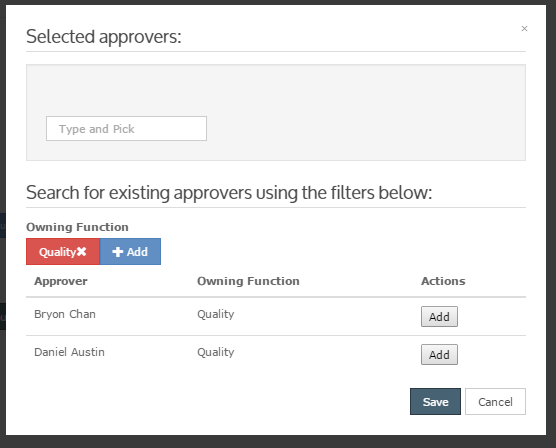
By adding an approver not currently in the suggestion list you will be asked if you wish to contribute this person to the database
As part of a wider reporting and metrics strategy we have introduced daily, weekly and monthly content rollup emails
Intially targetting content authors and Key Work System/Process owners
Once a month every content author will get a summary of their documents that are entering the review period
The report breaks content down into these categories:
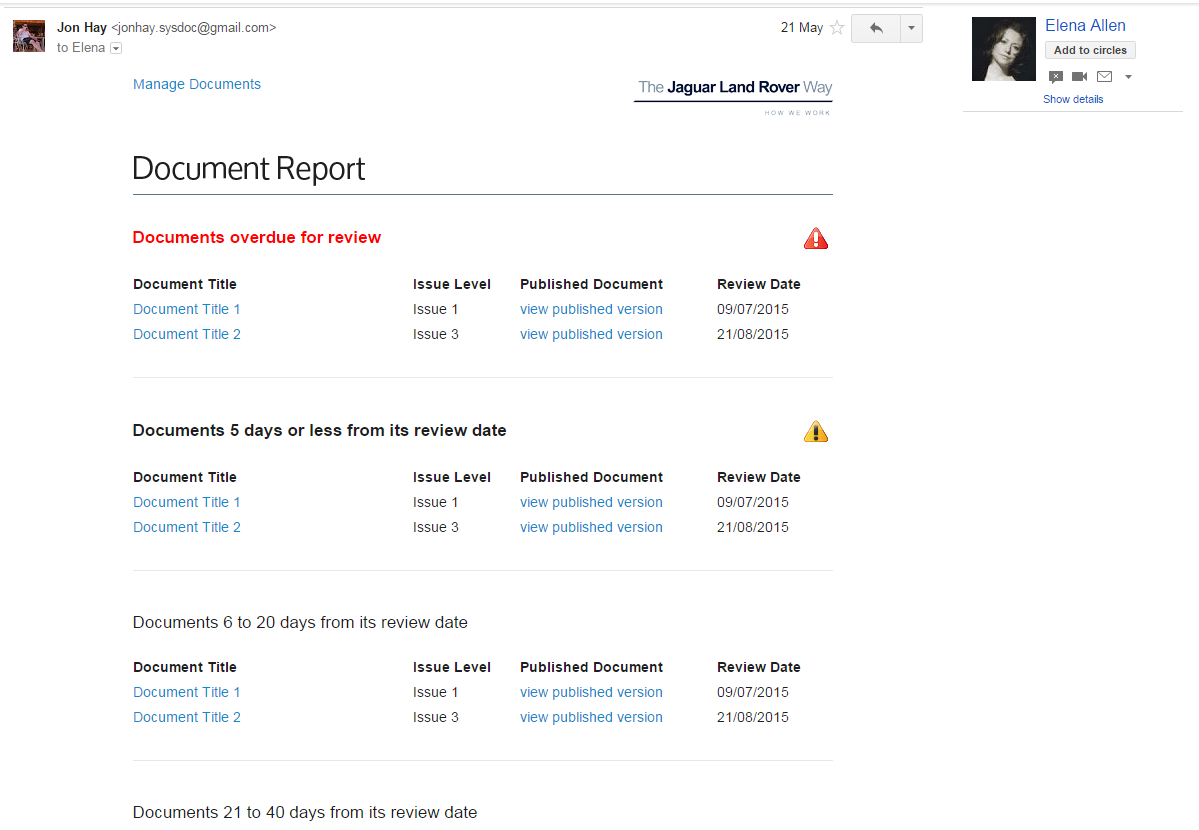
The daily email will only be sent if a content author has a document that is 5 days from the review period
The content author will not be notified again for that document (e.g. the following day) until the next review
The email visuals are similar to the monthly summary as a list of documents
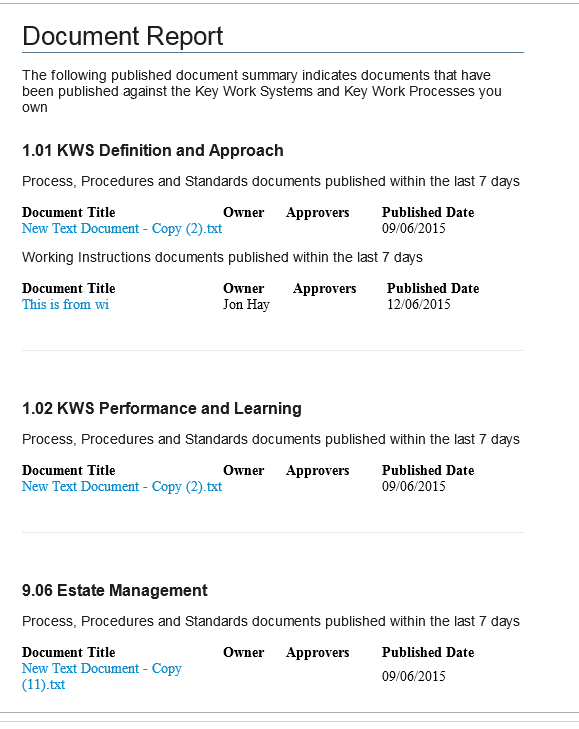
Key Work System and Key Work Process owners will be notified once a week about content published against their KWS/KWP's
They will get an rollup broken down by KWS/KWP and then broken down further into document type
The portal now supports document variants; the variants could be language, location, etc.
Clicking a document that has variants will give ask you which one you wish to view
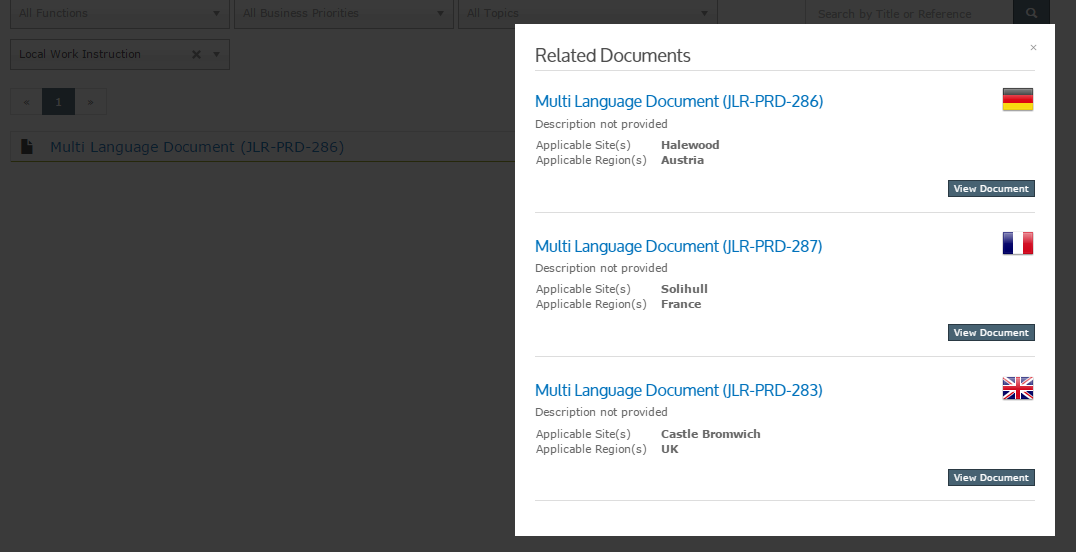
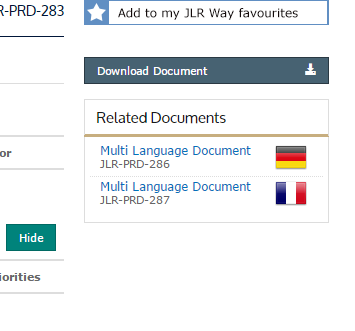
Related documents have been expanded to be broader than just working instructions
Documents are now grouped into:
Any document in the JLR Way portal can be associated to any other document via it's reference number
Let's be honest, it's very rare to click through more than 2-3 pages of results
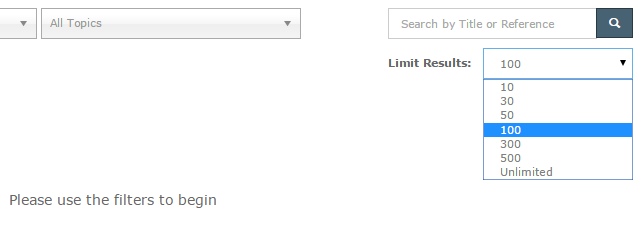
You can now limit the number of results that come back when searching for documents
If you set the limit on one page it will save that setting for all other pages